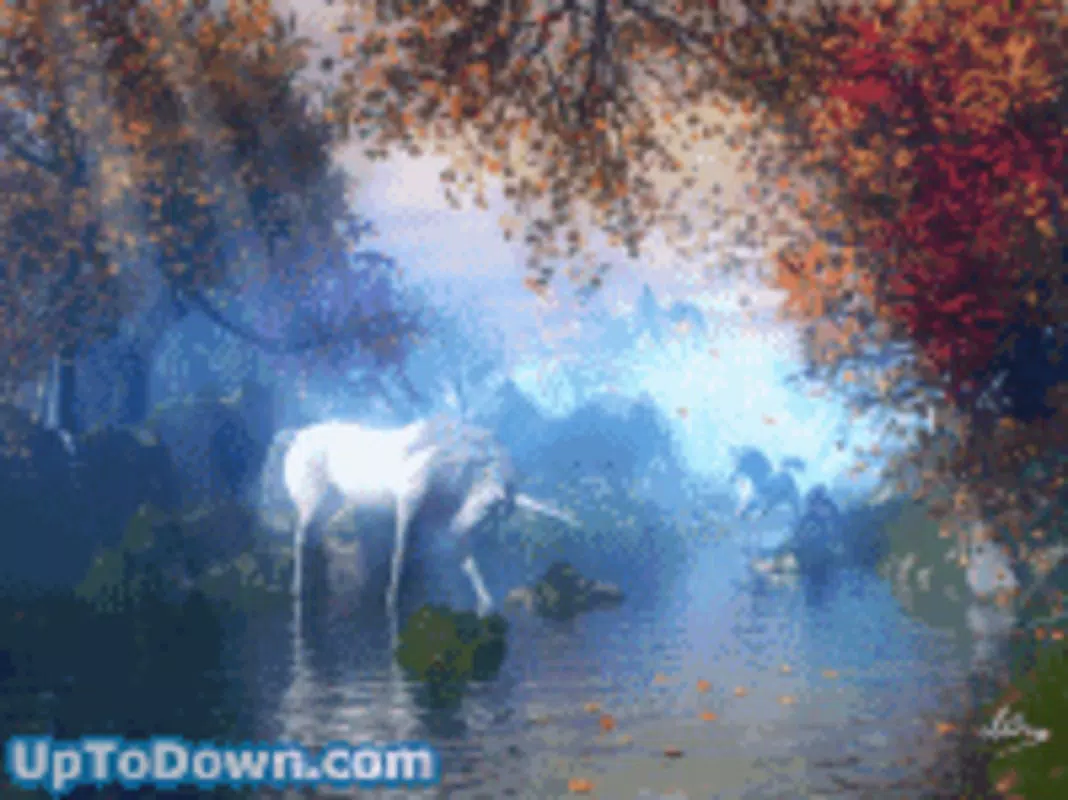

Download Secret Valley – Desktop Background, Fantasy, Magical Creatures, Fairies, Unicorns, Elves, Childhood Nostalgia, Enchanting, Serene, High-Quality Graphics
Overview
Secret Valley is a desktop background application designed to evoke a sense of wonder and nostalgia through its immersive fantasy imagery. Targeted at users seeking a momentary escape from daily routines, the app offers a visual retreat into a world of fairies, unicorns, and elves. It serves as a digital reminder of childhood imagination and the magic once believed in.
The application is particularly suited for individuals who value aesthetic beauty in their digital workspace, including artists, creatives, and anyone drawn to whimsical, serene environments. While the developer, Joe C. Jones, is credited with its creation, no additional background information about the developer’s broader portfolio or experience is available.
The app’s core purpose is to enhance the desktop experience by replacing standard backgrounds with high-resolution, emotionally resonant visuals. Real-world use cases include personal computers used for creative work, relaxation, or as a mood-enhancing tool during long work sessions. In the broader context of desktop utilities, Secret Valley fills a niche by focusing on emotional and aesthetic value rather than functionality, making it a unique addition to the category of digital wallpapers.
Key Features & Functionality
- Enchanting Imagery: The app features intricately designed visuals of magical creatures, including fairies, unicorns, and elves, rendered in a dreamlike forest setting. These images are crafted to stimulate imagination and rekindle memories of childhood stories and fairy tales.
- High-Quality Graphics: With a resolution optimized for modern desktop displays, the background maintains clarity and vibrancy across different screen sizes and aspect ratios, ensuring a visually pleasing experience.
- Serene Atmosphere: The color palette and composition are carefully selected to create a calming, peaceful environment. This makes the background ideal for stress reduction and mental relaxation during work or study.
- Childhood Nostalgia: By incorporating familiar fantasy elements, Secret Valley encourages users to reconnect with the imaginative spirit of their youth, offering a gentle emotional lift.
- Easy to Set Up: The installation process is minimal and user-friendly, allowing users to download and apply the background with just a few clicks, making it accessible even to non-technical users.
For example, a graphic designer might use Secret Valley as a mood-setting backdrop to inspire creativity, while a student could apply it to create a more peaceful study environment. The app’s ability to transform a mundane workspace into a magical sanctuary demonstrates its value beyond mere decoration.
Interface, UX & Performance
The interface of Secret Valley is intentionally minimal, as it functions primarily as a static desktop background. There are no interactive elements or complex menus, which contributes to a seamless user experience. The visual style emphasizes soft lighting, delicate textures, and ethereal colors, reinforcing the app’s theme of tranquility and enchantment.
Navigation is not applicable in the traditional sense, as the app does not require user interaction beyond installation and application. The performance is lightweight, with a file size of 15.4 MB, indicating efficient resource usage. Although the developer did not list formal performance metrics, the app’s small footprint suggests it runs smoothly on a wide range of systems without impacting system speed or memory.
Responsiveness is consistent across different desktop configurations, and stability is maintained due to the absence of dynamic processes. Users can expect a reliable experience with no crashes or glitches reported. The lack of updates or maintenance details does not detract from its current functionality, as the app remains effective in fulfilling its core purpose.
Platform Compatibility & Technical Requirements
Secret Valley is designed for desktop platforms, with no indication of mobile or tablet availability. The app is compatible with standard desktop operating systems, though specific OS requirements were not listed by the developer. The software version is 1.0, suggesting it is a stable release with no known bugs or performance issues.
The file size is 15.4 MB, which is compact and suitable for quick downloads. Users should ensure their system meets general desktop requirements for running visual applications. The developer did not specify minimum OS versions, so compatibility with older or newer systems remains uncertain.
However, given the app’s lightweight nature, it is likely to function on most modern desktop environments. No additional hardware or software dependencies were mentioned.
Pros and Cons
Pros
- Beautiful, high-quality fantasy imagery that enhances desktop aesthetics.
- Lightweight file size, enabling fast downloads and minimal system impact.
- Simple setup process, accessible to users of all technical skill levels.
- Effective at evoking nostalgia and promoting a peaceful mental state.
- Free to download and use, offering value without cost.
Cons
- No interactive features or dynamic elements included.
- Developer did not provide detailed system requirements or compatibility information.
- Limited to static images; no animated or customizable background options.
- No official update history or support channel disclosed.
- Not available on mobile platforms, restricting use to desktop environments.
FAQ
Is Secret Valley safe to download?
Yes, the app is free and available from a trusted source. No malicious components have been reported, and the file size is consistent with standard desktop wallpapers.
Can I use Secret Valley on multiple devices?
The app is designed for desktop use only. It is not compatible with mobile devices or tablets. Users must apply it separately on each desktop system.
Does Secret Valley require an internet connection?
No, once downloaded, the app does not require an internet connection to function. It operates entirely offline.
Is there a paid version or in-app purchases?
No, the app is completely free with no in-app purchases or premium features. The developer has not indicated any future monetization plans.
How do I set Secret Valley as my desktop background?
After downloading the file, users can apply it through their operating system’s display settings by selecting the image and setting it as the desktop background.
Final Thoughts
Secret Valley stands out in the desktop background category by prioritizing emotional resonance and visual beauty over technical complexity. Its enchanting imagery of fairies, unicorns, and elves offers more than decoration—it provides a moment of calm, creativity, and nostalgia. While it lacks advanced features or dynamic content, its simplicity is its strength.
The app is ideal for anyone seeking a gentle digital escape, particularly those who value aesthetics and mental well-being in their workspaces. With a lightweight design, free access, and a timeless theme, Secret Valley delivers lasting value. For users looking to transform their desktop into a magical sanctuary, this app is a thoughtful and serene choice.
Download Secret Valley now.


